
What is BuhoCleaner?
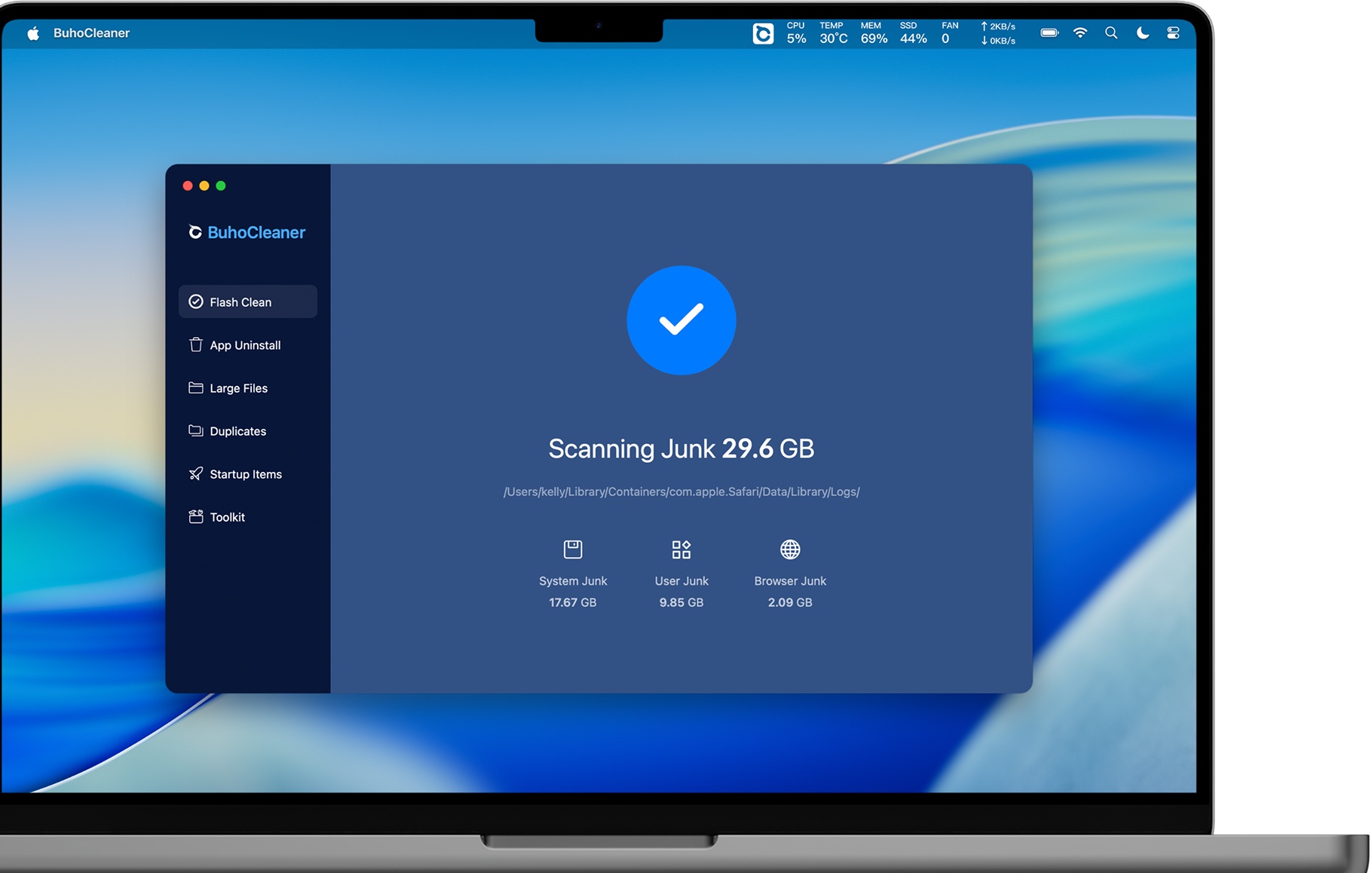
BuhoCleaner is a lightweight all-in-one Mac utility centred on freeing storage and managing common performance bottlenecks. Its dashboard includes Flash Clean, app uninstall, large files, duplicates, startup items and a maintenance toolkit. A menu-bar monitor can show memory, CPU, storage and network information.
It does not include a malware engine, VPN or identity-protection layer. That narrower scope helps explain the lower price and makes the product a strong value choice for users who already have security covered.
What does it actually clean?
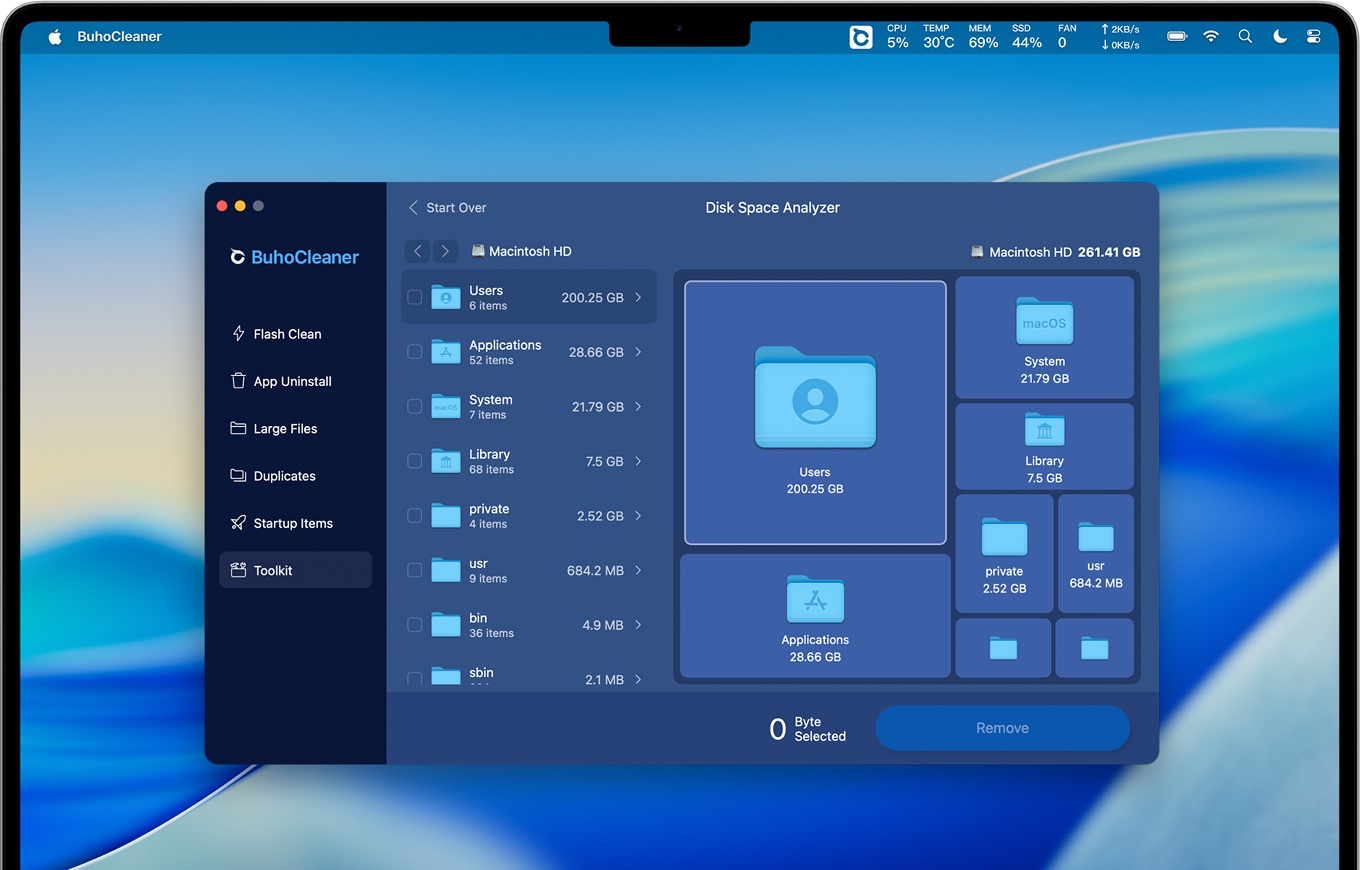
Flash Clean targets system, application and browser junk. Separate tools surface large files and duplicates instead of mixing them into one dramatic reclaim total. The disk analyser provides another way to locate storage-heavy folders, while the uninstaller looks for associated app files and leftovers.
The free version can remove up to 3 GB, which is more practical than a scan-only demo. Users with a one-time cleanup job may be able to learn a great deal before upgrading.
Using BuhoCleaner
The interface is straightforward and the primary jobs are visible from the first screen. It supports recent Apple silicon Macs as well as Intel models and includes utilities for startup items, RAM, Spotlight indexing, DNS cache and file shredding.
Some performance claims should be treated cautiously: freeing RAM or flushing a cache is situational, while removing unnecessary startup services and large unused files produces more durable results.
Is BuhoCleaner safe?
BuhoCleaner should be downloaded from Dr.Buho’s official site. Deep cleanup and app removal may require broader file access, so users should review selected categories and avoid treating every hidden or old file as disposable.
Because there is no malware scanner, suspicious behaviour needs a dedicated security tool or Apple’s built-in protections rather than a cleanup result.
Is it worth paying for?
Annual and lifetime plans are available, and promotions change frequently. The lifetime option is appealing to subscription-averse users, while the 3 GB free allowance lowers the risk of trying the product.
The value is strongest for someone who will use several storage tools. DaisyDisk remains cheaper for pure visual disk analysis, and AppCleaner remains free for app removal alone.
Should you choose BuhoCleaner?
BuhoCleaner is our value-suite pick. It delivers broad cleanup coverage, useful storage discovery and a friendly trial limit without bundling an antivirus subscription. Choose it when you want a capable cleaner and lifetime pricing matters; choose CleanMyMac when you want the most polished all-in-one workflow and built-in malware scanning.