
What is MacKeeper?
MacKeeper combines cleaning, optimisation, security and privacy tools in one subscription. Its Find & Fix workflow scans several categories together, while individual tools cover junk, duplicate files, app removal, startup items and memory. The distinguishing features are real-time antivirus, an adware cleaner, VPN access and monitoring for exposed personal records.
This makes MacKeeper easier to justify for someone shopping for both maintenance and protection. It is less compelling for a user who only wants to see which folders consume storage, because it does not provide the same dedicated large-file discovery workflow as CleanMyMac, BuhoCleaner or DaisyDisk.
What does it actually clean?
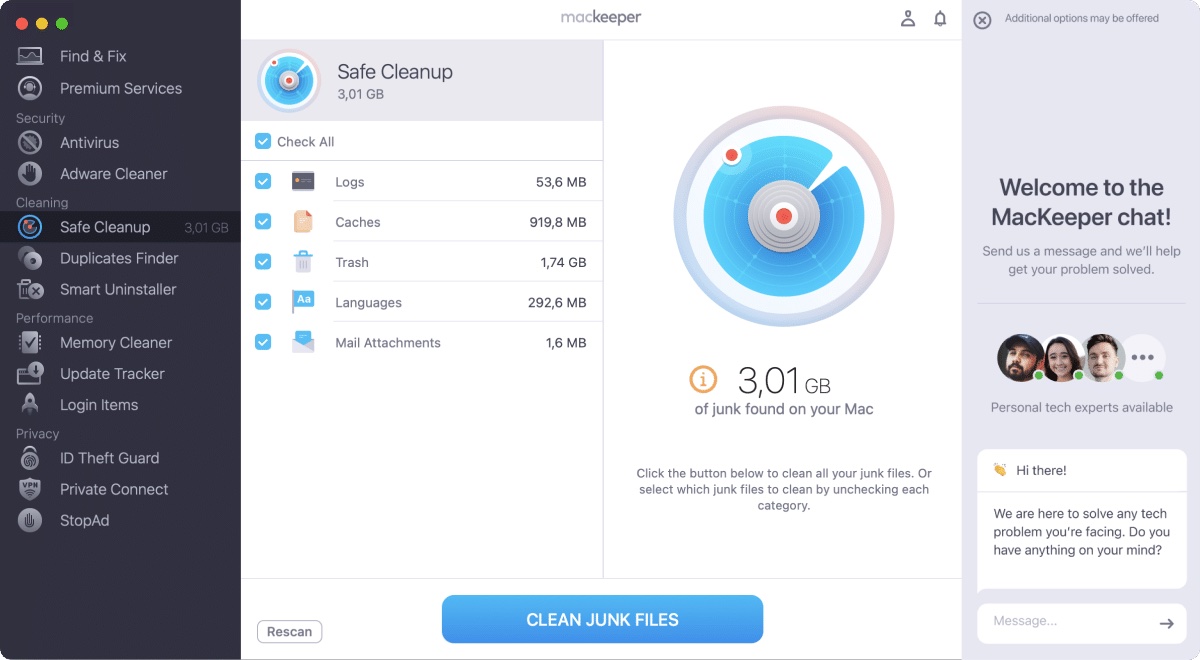
Safe Cleanup looks for disposable system and application data, while the duplicates finder and Smart Uninstaller target more specific storage problems. Users should treat Downloads and personal files separately from generated junk, because a large total does not automatically mean every selected item is safe to remove.
Startup and memory tools can help identify busy background software, but clearing memory is not a permanent performance upgrade. The most durable gains usually come from removing unwanted startup items, unused applications and genuinely large data.
Using MacKeeper
The product groups eleven tools into cleaning, performance, security and privacy areas. Find & Fix is the clearest starting point for non-technical users, and the built-in support access is unusual in this category. The free edition allows limited fixes so users can inspect the workflow before purchasing.
Because the suite does more in the background than a focused disk visualiser, users should review which monitoring features they actually want enabled.
Is MacKeeper safe?
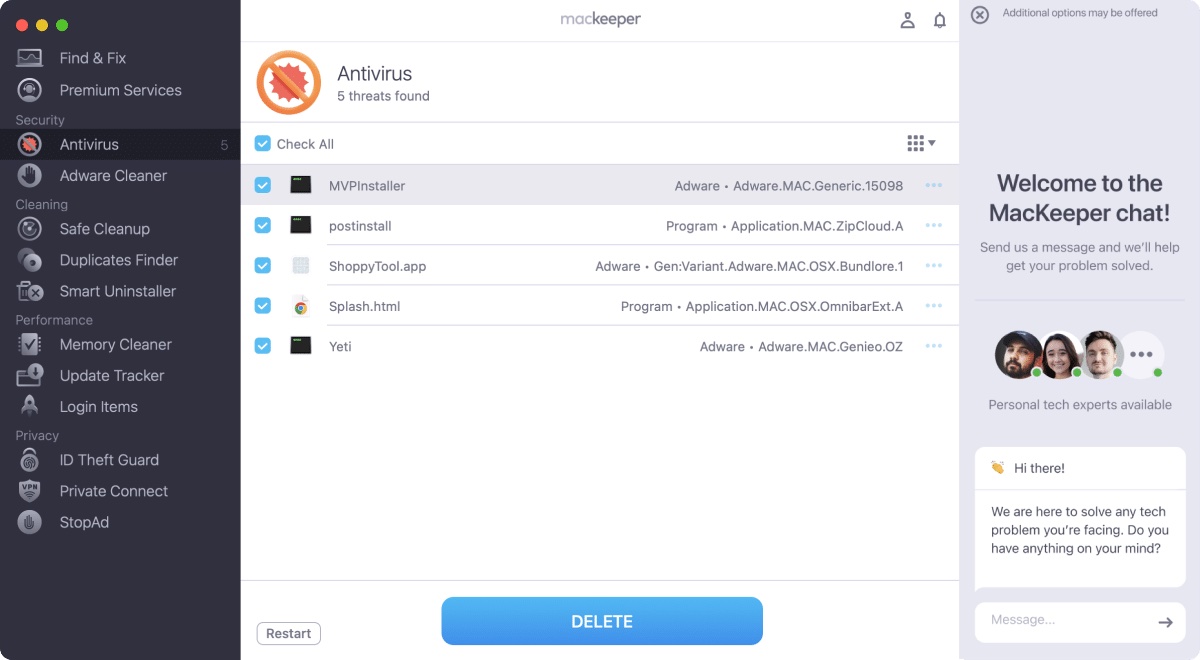
MacKeeper’s security features include real-time malware blocking, on-demand scanning, adware detection and quarantine or removal. VPN and breach-monitoring tools cover different risks and should not be mistaken for malware detection.
Download the installer only from MacKeeper’s official domain and read the subscription terms during checkout. As with any cleaner, keep a backup and inspect deletion categories containing personal data.
Is it worth paying for?
MacKeeper is subscription-led and its regular monthly price is higher than specialist cleanup tools. The value comes from replacing several products: antivirus, VPN, breach monitoring, cleanup and support. If you already pay for a security suite or VPN, that overlap can make the package less attractive.
The limited free use is helpful for checking what the app detects, but ongoing cleaning and protection require a paid plan.
Should you choose MacKeeper?
Choose MacKeeper when security and privacy features are as important as storage cleanup. It is our best security-focused pick, particularly for users who value real-time protection and support. For a simpler cleanup-first workflow, CleanMyMac or BuhoCleaner is easier to recommend; for manual storage discovery, DaisyDisk is the better fit.