

What is CleanMyMac?
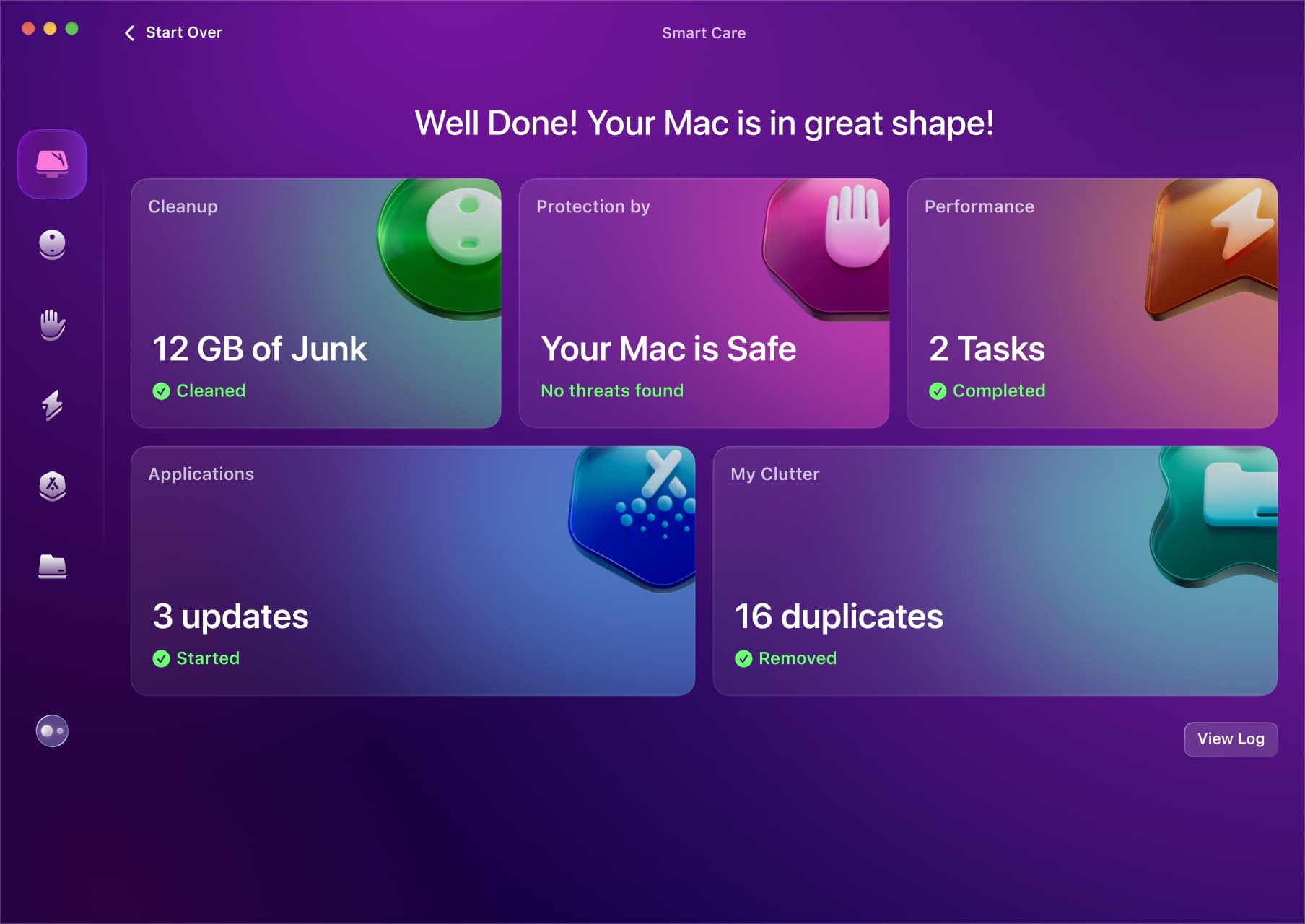
CleanMyMac is MacPaw’s all-in-one maintenance utility for people who would rather use one guided application than assemble several specialist tools. Its Smart Care routine brings together cleanup, threat scanning, performance tasks, software updates and storage decluttering. Separate modules handle large and old files, duplicates, app removal and other specific jobs.
That breadth is the main reason it leads this comparison. A user with an almost-full drive, forgotten apps and general uncertainty can start in one place. The trade-off is equally clear: if you only need to identify one large folder or remove one application, a narrower free or one-time-purchase utility may be better value.
What does it actually clean?
The cleanup tools target generated and replaceable material such as caches, logs, trash and local copies of some attachments. Large-file and duplicate views are more useful when personal files—not caches—are the real reason a disk is full. The best workflow is to scan, open the result categories and review them rather than accepting the largest possible cleanup number.
CleanMyMac also includes an uninstaller designed to remove the application and related support files together. This is more convenient than dragging an app to Trash, although vendor-specific uninstallers remain preferable for software that installs system extensions or complex background services.
Using CleanMyMac
The interface is unusually approachable for a utility with this many modules. Smart Care gives new users a clear first action, while the individual tools remain available when a more targeted job is needed. Results are grouped in understandable categories and the application generally explains what will happen before removal.
Different editions do not have identical capabilities. The direct MacPaw and Setapp editions can perform some system-level tasks that the Mac App Store sandbox restricts. Check the edition comparison before choosing where to install it.
Is CleanMyMac safe?
CleanMyMac is notarised and its direct edition may ask for Full Disk Access so it can inspect protected locations. That permission is powerful, but it does not mean the app continuously uploads the contents of the disk. Users should still download only from MacPaw, keep a current backup and review personal-file categories.
The malware module adds a useful second layer alongside macOS protections, but no scanner can promise to detect every threat. Apple notarisation is also not the same as a full editorial endorsement by Apple.
Is it worth paying for?
MacPaw offers monthly, annual and one-time plans, plus a full seven-day trial. The annual plan is usually the most prominent entry point, while the one-time option appeals to users avoiding another subscription. Pricing changes by country, tax and promotion, so the live partner page is the reliable final source.
The price makes the most sense when you will use several modules. Paying for the suite solely to uninstall one app or inspect one folder is difficult to justify beside free alternatives.
Should you choose CleanMyMac?
CleanMyMac is our best overall pick because it covers the widest set of common Mac-care jobs without presenting them as a toolbox for experts. Choose it when convenience, guidance and breadth matter more than finding the absolute cheapest solution. Choose DaisyDisk, AppCleaner or OnyX instead when your need is narrow and you prefer direct manual control.