What is AppCleaner?
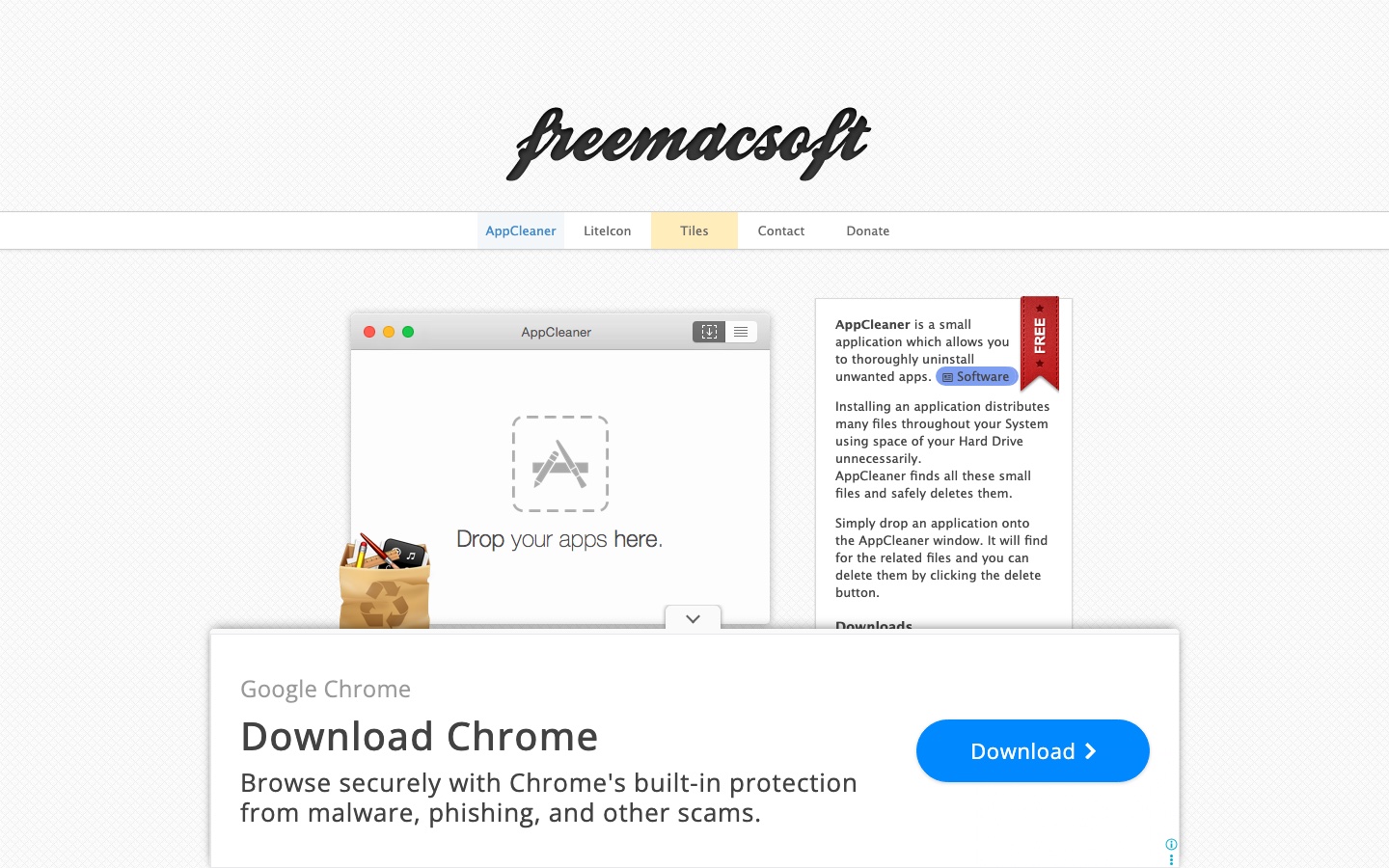
AppCleaner by FreeMacSoft is a small utility designed to uninstall Mac applications more thoroughly than dragging the main app bundle to Trash. Applications often create preferences, caches and support files elsewhere in the user Library. AppCleaner searches for related items and presents them together for review.
The product does not scan the whole Mac for junk, visualise disk usage, find duplicates or protect against malware. Its limited scope is exactly why it remains easy to recommend.
What does it actually clean?
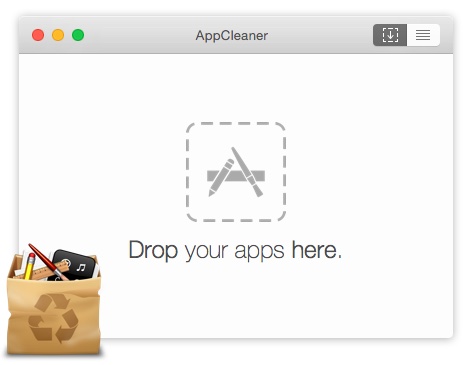
Users can drag an app onto the AppCleaner window or browse installed applications. The utility then lists associated files before deletion. SmartDelete can notice when an app is moved to Trash and offer to find related items.
Related does not always mean disposable. Review the list when an app stores shared templates, plugins or user-created data that may be needed by another version.
Using AppCleaner
The interface has almost no learning curve: choose an application, inspect the related files and confirm. It is lightweight, supports a range of older macOS releases and protects core Apple apps from removal.
There are no dashboards, scores or background monitoring features. Users looking for a full maintenance suite will need other tools.
Is AppCleaner safe?
Download AppCleaner only from FreeMacSoft. Its review list gives users visibility before deletion, but a current backup remains important when removing professional software or system extensions. Vendor-provided uninstallers should take priority for complex products that install privileged helpers.
AppCleaner is not a malware-removal utility and should not be used to judge whether an unfamiliar application is safe.
Is it worth paying for?
AppCleaner is free. That makes it difficult to justify paying for a full cleaner when complete app removal is the only requirement. The cost is effectively the time spent reviewing related files and deciding whether a vendor uninstaller would be more appropriate.
Its narrow purpose also means there is no subscription pressure or bundle overlap.
Should you choose AppCleaner?
AppCleaner is our best free uninstaller and the easiest recommendation for users who simply want to remove an application and its leftovers. Choose a broader suite only when you also need disk discovery, duplicates, ongoing maintenance or malware scanning.