What is CCleaner for Mac?
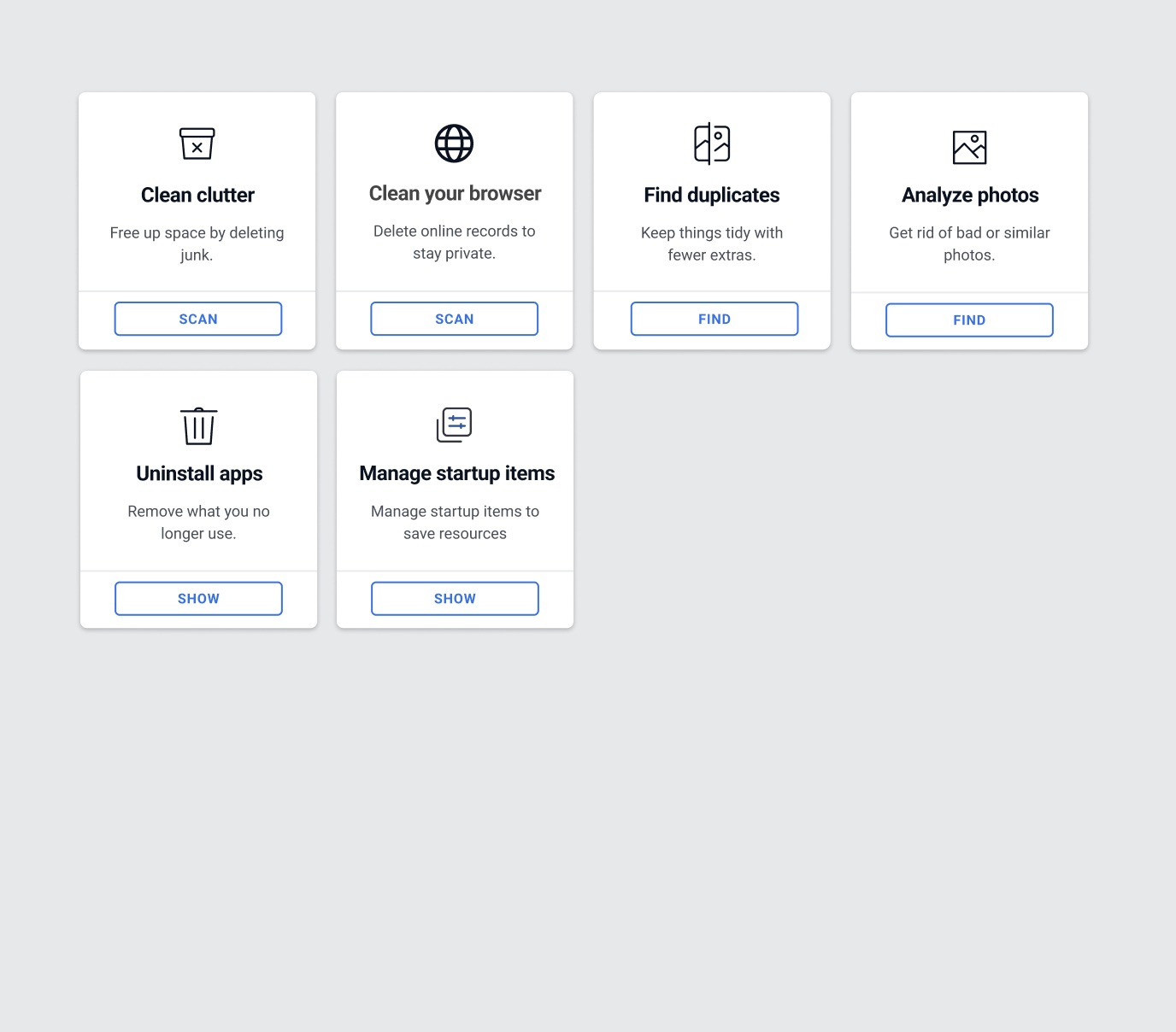
CCleaner for Mac brings the familiar cleanup brand to macOS with tools for unwanted clutter, duplicate files, app removal and startup items. The free tier includes several genuinely useful functions, making it an accessible first step for basic maintenance.
The professional edition adds photo analysis, automatic browser cleaning, bookmark import and scheduled Trash emptying. It does not add malware protection, and the Mac feature set remains more focused than broad security suites.
What does it actually clean?
The clutter scan targets cache and temporary data, while the duplicate finder and uninstaller address specific storage problems. Photo analysis in the paid edition looks for poor-quality or similar images. Browser cleanup can remove history, cookies and saved form information, which is a privacy action rather than a performance guarantee.
Users should review browser and download categories carefully because clearing saved data can sign them out or remove information they intended to retain.
Using CCleaner for Mac
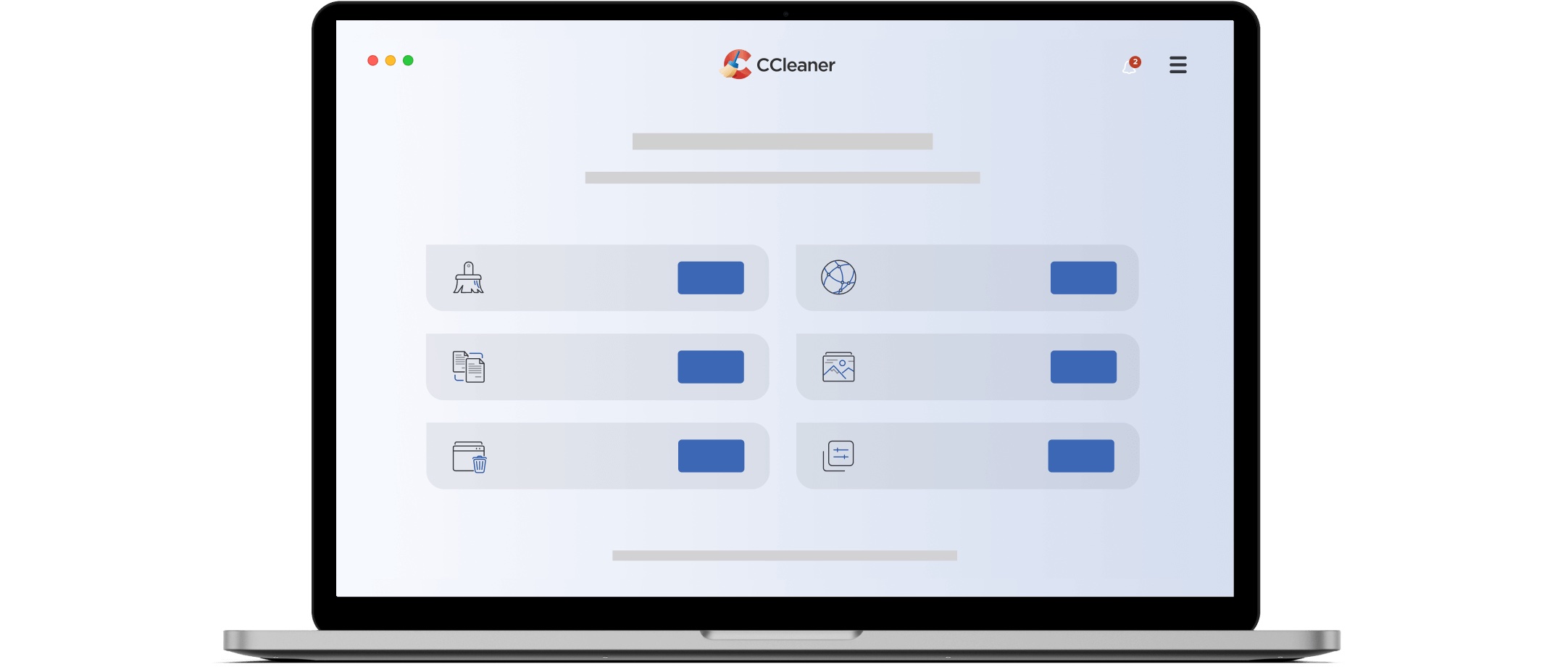
The interface is simple and the product names its tools clearly. Existing CCleaner users may appreciate the familiarity, and support for older macOS versions can matter on machines that cannot run the latest CleanMyMac.
The product is less Mac-specific than some competitors and does not provide the same depth of storage visualisation or system maintenance.
Is CCleaner for Mac safe?
Download CCleaner from its official domain and use the review screen before cleaning. Automatic browser and Trash routines should be configured conservatively. A scheduled action is convenient only when its scope is predictable.
CCleaner is not antivirus software on the Mac. Users concerned about suspicious apps or malware need a separate protection product.
Is it worth paying for?
The free version is the strongest reason to consider CCleaner. It allows basic cleaning, duplicate finding, app removal and startup management without payment. The professional price is harder to defend against suites that add deeper Mac tools or security for a similar annual cost.
Start with the free edition and upgrade only if its automation and photo tools solve a real recurring problem.
Should you choose CCleaner for Mac?
CCleaner for Mac is a reasonable free starting point for familiar cleanup tasks. It is not our first paid recommendation because the professional tier lacks malware protection and deeper Mac-specific features. Choose it when free basic cleaning is the priority; choose AppCleaner for app removal alone or CleanMyMac for a broader paid suite.