What is OnyX?
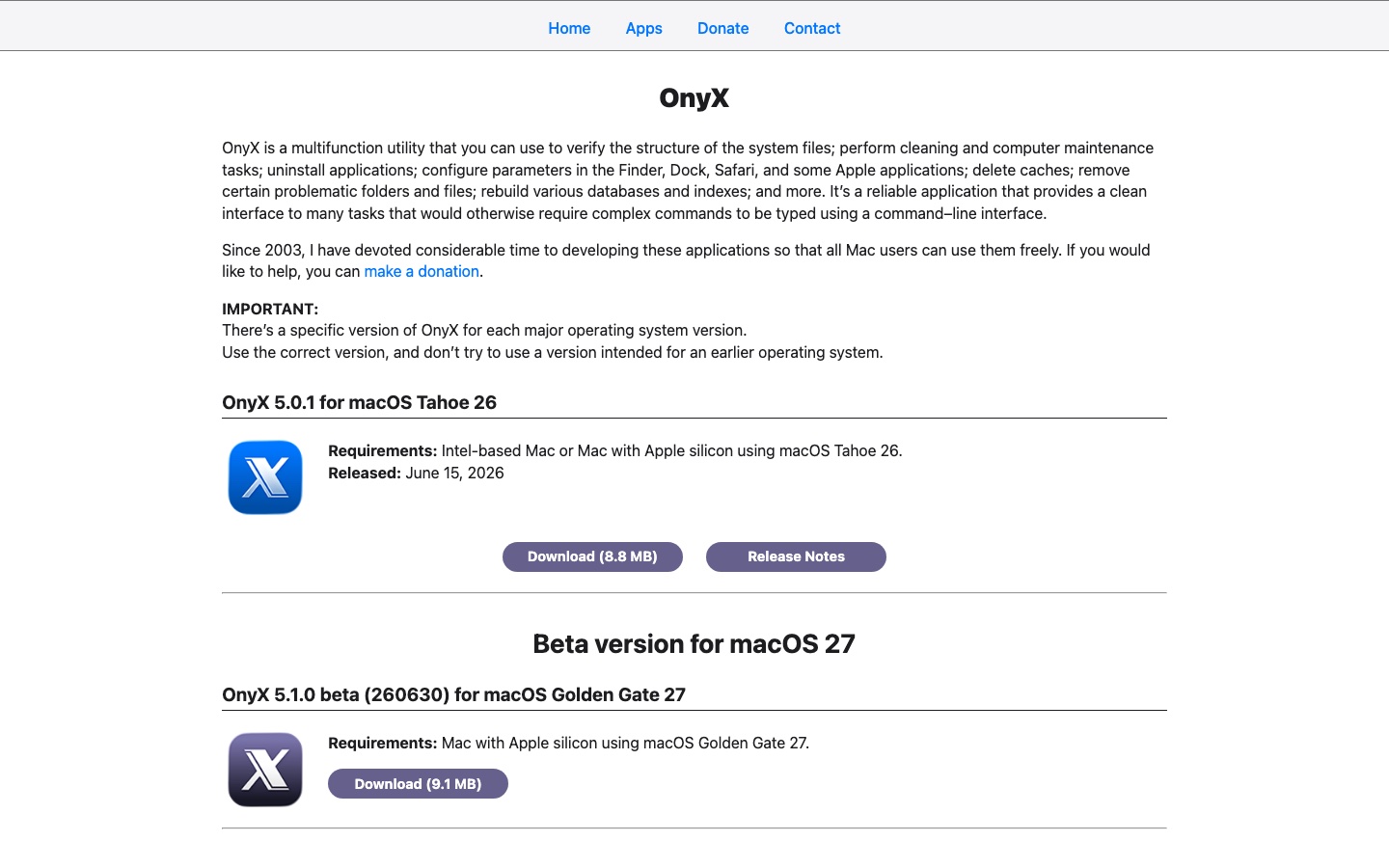
OnyX is a long-running donationware utility from Titanium Software. It provides a graphical interface for maintenance and configuration tasks that might otherwise require command-line tools. Functions include cache and log cleaning, database rebuilding, startup-disk verification, application uninstall, APFS snapshot management and hidden settings for Finder, Dock and Apple apps.
It is not a guided cleaner that scans the Mac and recommends a reclaim total. Users choose the tasks themselves, which provides control but raises the learning curve.
What does it actually clean?
OnyX can delete application, font and system caches, internet data, logs and other generated files. It can also run maintenance scripts and rebuild indexes or databases. These actions are useful when troubleshooting a specific issue, but repeatedly clearing every cache is not a general performance strategy.
There is no duplicate finder or visual large-file map. Pairing OnyX with DaisyDisk or a Finder-based storage review covers a different class of problem.
Using OnyX
The interface is organised by function but remains technical. Labels assume some understanding of macOS maintenance, and the app does not hide advanced controls behind a single health score. That honesty appeals to power users and can overwhelm beginners.
Titanium Software publishes a separate OnyX build for each major macOS version. Installing the correct release is essential.
Is OnyX safe?
Titanium Software states that OnyX is signed, notarised, contains no adware or spyware and installs no background process. Full Disk Access may be requested for tasks involving protected locations.
The absence of automatic recommendations means responsibility sits with the user. Do not disable security protections or run unfamiliar maintenance tasks simply because the option is available.
Is it worth paying for?
OnyX is fully usable at no cost and requires no registration. Donations support development. For experienced users, the breadth of maintenance and configuration controls represents exceptional value.
For a beginner, the time required to understand each task may outweigh the subscription cost of a guided utility.
Should you choose OnyX?
OnyX is our power-user pick and one of the strongest free Mac utilities available. Choose it when you know which maintenance or verification job you need. Avoid it when you want the app to identify safe cleanup opportunities automatically or when you need duplicate, storage-map or malware features.